How to Find the Right Ink or Toner for Your Printer
Buying the wrong ink or toner can be frustrating and halt your productivity. Because many cartridges look identical but have different microchips, guessing is never a good idea.
Fortunately, finding your exact match takes less than a minute. The absolute most accurate method is to use Your Cartridge Number. If you don't have an empty cartridge on hand, Your Printer Model Number will also work perfectly.
Method 1: Find the Cartridge Number (Most Accurate)
If you have an empty cartridge currently inside the printer, using its part number is the most foolproof way to order a replacement.
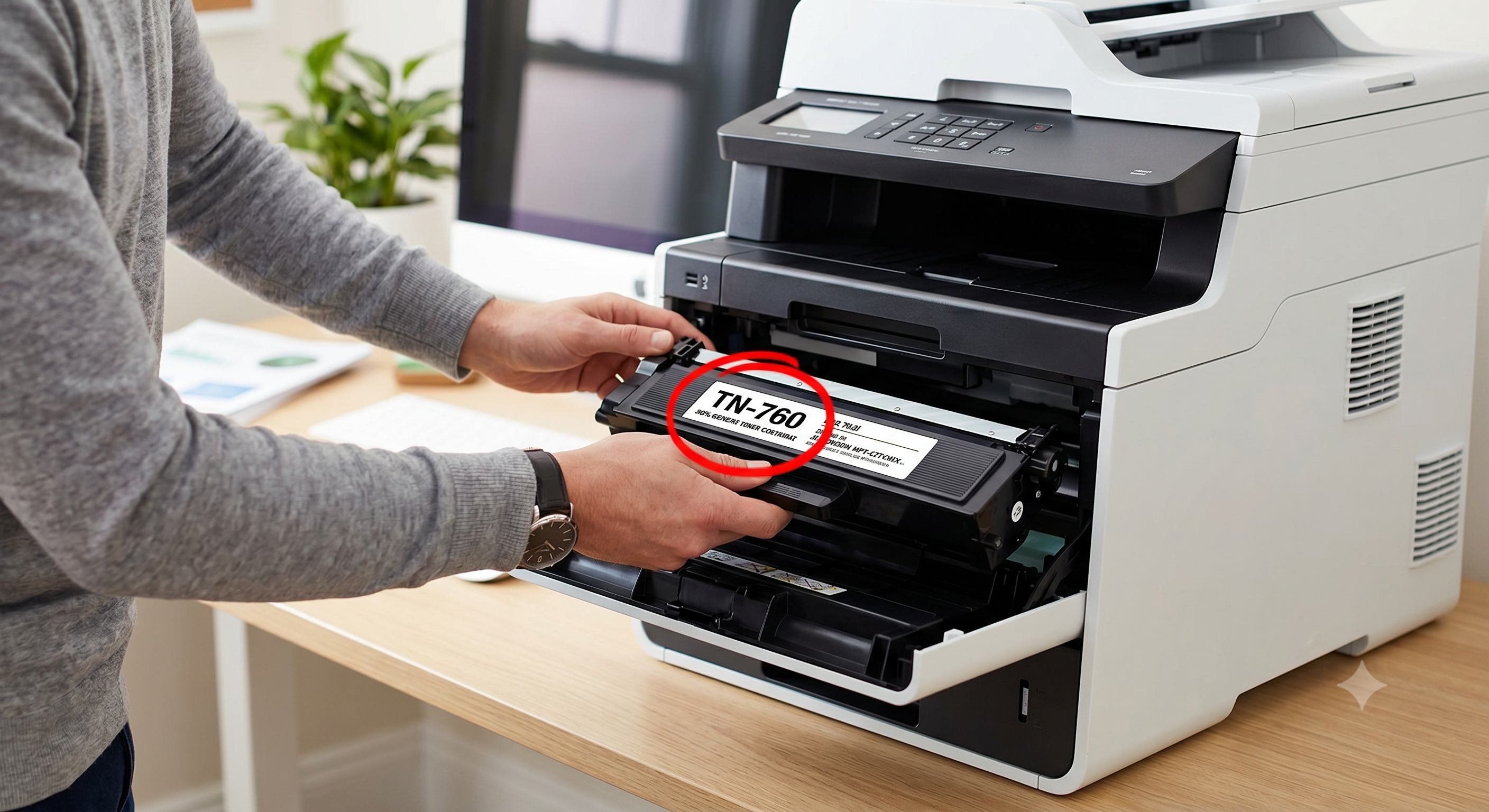
- Open the Printer: Open the access door to reveal your current cartridges.
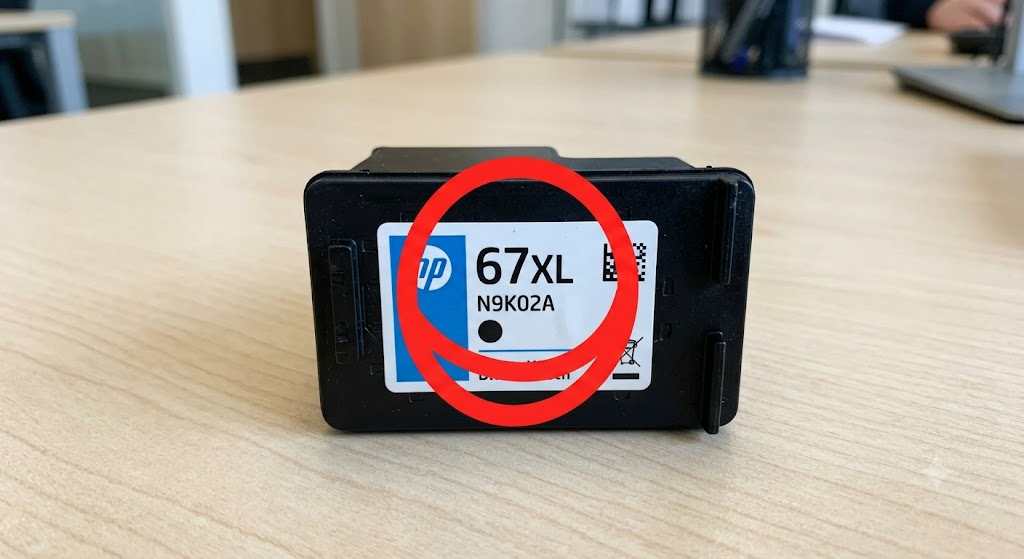
- Look for the Label: The cartridge will have a sticker on the top or side. Look for a short number/letter combination printed in large text (e.g., "HP 67", "TN-730", or "Canon 245").
- Check for Standard vs. High Yield: You might notice letters like "XL" or "X" at the end of the number (e.g., 67XL). This simply means it contains more ink/toner. Both standard and XL sizes will fit your printer!
Method 2: Find Your Printer Model Number
Don't have an old cartridge to look at? No problem. You can easily find the required ink or toner by looking at the printer itself.
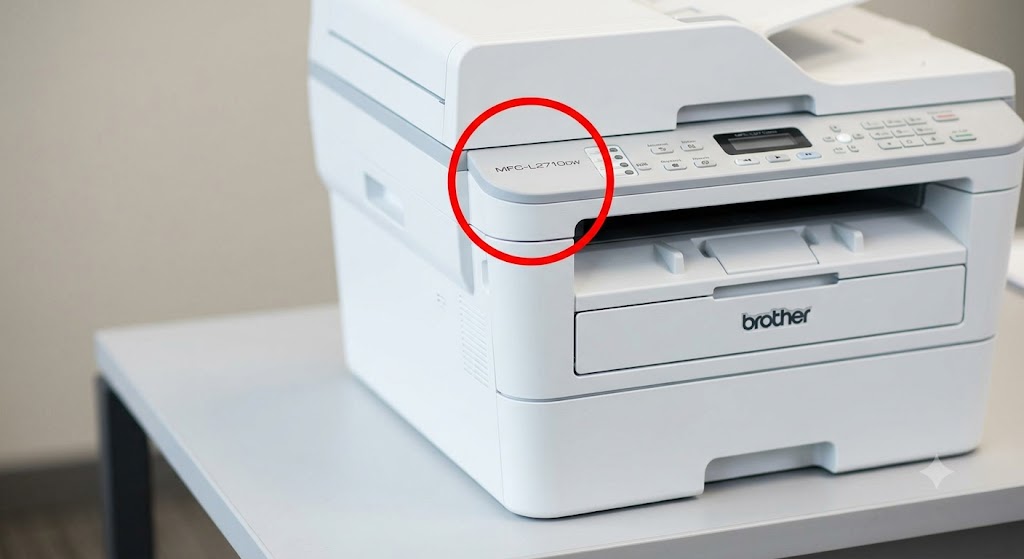
- Check the Front or Top: Look near the control panel, paper tray, or right on the front bezel (e.g., "HP LaserJet Pro M404n" or "Brother HL-L2350DW").
- Check the Back Sticker: If it's not on the front, look for a silver or white manufacturer sticker on the back of the printer.
Type this exact model number into our search bar, and we will show you every cartridge that fits your machine.